
OBIS hex
- dataset OBIS records for a taxon or EOV
- place H3 hexagons, worldwide or in view
- method ES(50), richness, Shannon, Simpson, records
- delivery map, PNG, link, citation
OBIS hex maps biodiversity indicators from every record in the Ocean Biodiversity Information System onto H3 hexagons, for all taxa, one of the seven biological Essential Ocean Variables (EOVs), a taxon group, or any WoRMS taxon. Four things set it apart. Nothing runs anywhere but your browser: DuckDB-WASM reads the indicators straight from Parquet files on a public bucket, so there is no login, no rate limit and nothing to install. The URL is the view: taxon, period, hexagon size, indicator, map position, even which panes are open, so a link reproduces exactly what you saw. Downloads are reproducible: the PNG carries the sentence, the scale, the release and the link, and SQL & timing shows the exact files and query. Attribution is built in: Cite this data gives the release citation and OBIS’s own line, and Data sources and attribution lists every source. Its companion for gridded environmental data is erddap-places ; both follow the same layout.
This page is the written version of the in-app tour, for reading with the app open beside it. Help ▾ → Guide in the app opens it.
The anatomy
Every view is one map with the same furniture around it. Read it in the order the tour takes:
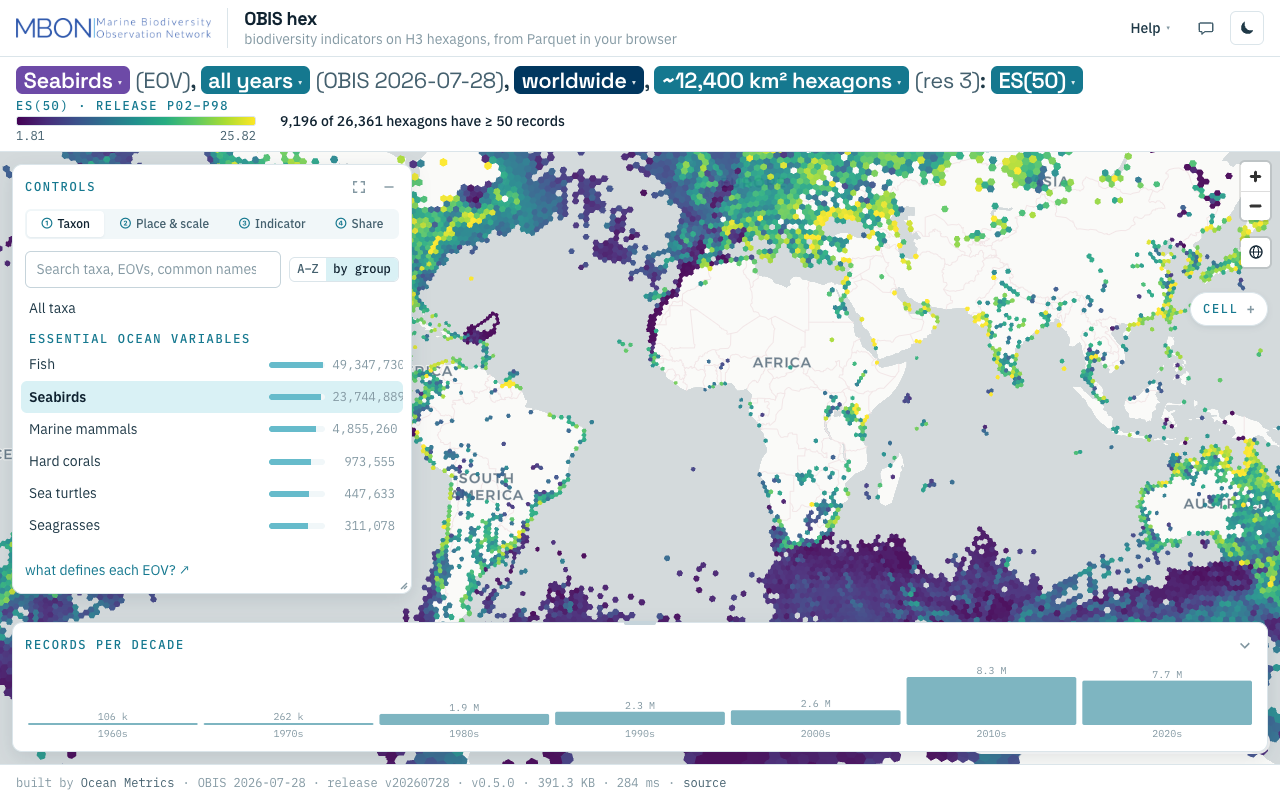
OBIS hex at laptop size, light theme: seabirds (EOV), all years, worldwide, res 3, ES(50).
- Header: Help ▾, the feedback bubble and the theme toggle.
- The title sentence, whose bold chips are the controls.
- The colour scale and coverage line: viridis over the 2nd–98th percentile, and how many hexagons have at least 50 records.
- Controls, with four numbered tabs.
- The map, flat or globe; hover a hexagon for its five indicators.
- Map buttons: zoom and globe/flat.
- The Cell pill, lit when you click a hexagon.
- Time strip: records per decade.
- Footer: built by Ocean Metrics, OBIS snapshot, release, version, bytes and milliseconds for this view.
The sentence is the controls
The title sentence is not a caption. It reads in the order of the pipeline, dataset → place → method:
Seabirds (EOV), all years (OBIS 2026-07-28), worldwide, ~12,400 km² hexagons (res 3): ES(50)
Each bold part is a chip whose popover holds the same control as its Controls tab, so the sentence and the panel read one state. Worldwide means the whole layer is loaded; past res 5 it becomes in view (1 of 122 partitions), honest about what was fetched. For ES(50) the line below is the coverage caveat (“9,196 of 26,361 hexagons have ≥ 50 records”): ES(50) is blank where a hexagon has fewer than 50 records.
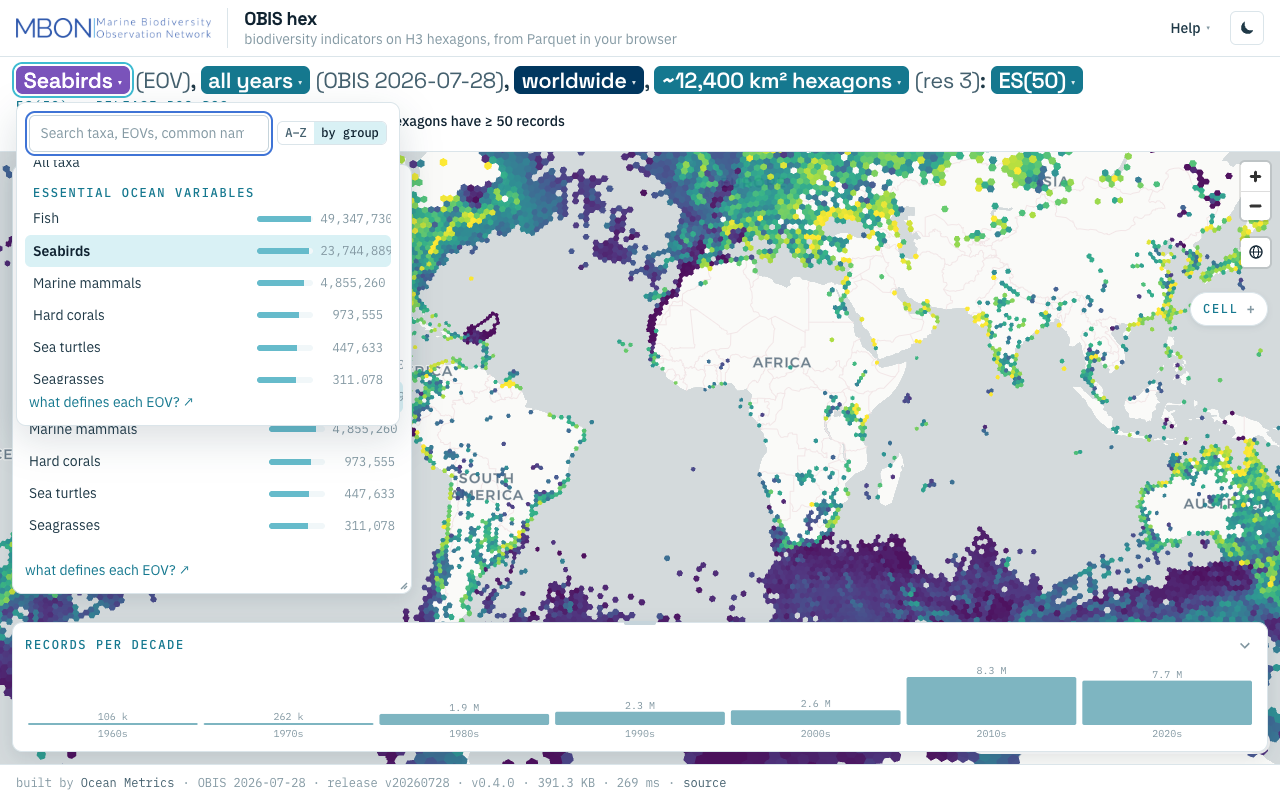
The four tabs
The Controls pane runs in pipeline order, and also from most to least costly: the taxon decides which files load, place and scale decide how many, and the indicator is a column of what is already loaded, so switching it never refetches.
① Taxon (dataset). One picker: All taxa; the seven EOVs (fish, hard corals, mangroves, marine mammals, seabirds, seagrasses, sea turtles, as defined by the IOOS Marine Life Data Network); taxon groups by phylum, class and order, with common names and record counts; and Any taxon (WoRMS). Type at least two letters of any scientific name and pick a row (name, rank, status, records); the app then maps all of that taxon’s children, a genus, a family or an infraorder such as Cetacea. This one layer is computed live rather than read from the release; a synonym shows as “synonym → accepted name”.
② Place & scale (place). Go to a sea or sanctuary, choose the hexagon size (auto from zoom, up to res 7, about 5 km², or pinned), the period (all years or one decade) and flat or globe. At res 6 and 7 the app fetches only the partitions under the map (over Monterey Bay, a few hundred KB rather than a 33 MB global file), and a pan loads only the new ones.
③ Indicator (method). ES(50), Hurlbert’s expected species in 50 records, the default because it is comparable across sampling effort; species richness; Shannon H′; Simpson Σp²; and the number of records. More options sets the colour domain (the release’s percentiles, which keeps maps comparable, or the loaded hexagons’), the opacity and the basemap labels.
④ Share (delivery). Download PNG, with the sentence, scale, release and link stamped on it; Copy link; Cite this data; and SQL & timing: the partition paths, bytes, cells, milliseconds, partitions fetched and cached, the statistics table, and the SQL (or, for a WoRMS taxon, the request URL) to rerun it yourself.
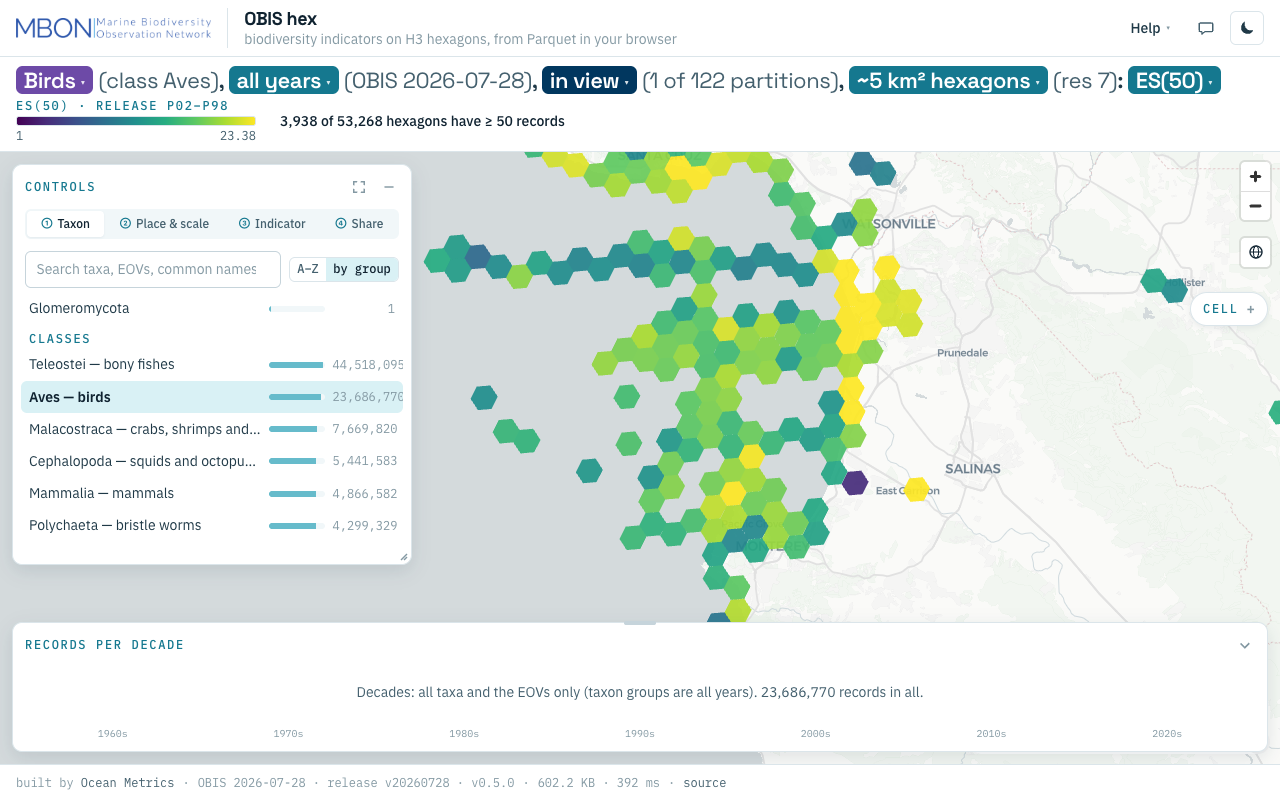
Time, Cell and the globe
Time strip. Along the bottom, records per decade for the current layer, 1960s to 2020s. Brush or click a decade to show only it; click again for all years. Decades exist for all taxa and the EOVs (up to res 5) and any WoRMS taxon; for a taxon group the strip says it cannot filter.
Cell. Click a hexagon and the Cell pill on the right edge lights; open it for all five indicators of that cell. The selected cell is in the URL.
Globe or flat. The globe button (or g) puts the hexagons on a sphere, the honest view of polar and antimeridian cells.
The panes
Controls, Time and Cell are floating panes with the same title bar. Move one by dragging its bar (double-click sends it home), collapse it to a labelled pill on the nearest edge, expand it to fill the map (Esc restores) and resize it from an edge or the corner grip. Positions are remembered per browser; folds and the open tab live in the URL. Export is the whole view, a stamped PNG from ④ Share. On a phone the panes become bottom sheets.
Every view is a URL
The view lives in the URL hash. Nine keys are always written, in this order; the layout keys only when they differ from the default, so older links still open the same view. src/lib/state/url.ts in oceanmetrics/obis-hex
is the authority.
| key | sets | values (default first) |
|---|---|---|
i | indicator | es, sp, shannon, simpson, n |
l | layer | all, eov:seabirds, taxon:class:Aves, aphia:137092 |
p | period | all, or a decade 1960 … 2020 |
r | hexagon size | auto, or 1 … 7 |
o | fill opacity | 0.85 |
t | theme | dark, light |
d | colour domain | release, view |
g | projection | flat, globe |
c | centre and zoom | -20,5,1.4 (lon, lat, zoom) |
k | Controls tab | taxon, place, indicator, share |
cc, tc | Controls / Time folded | 1 |
x, xo | selected hexagon (H3 index), Cell pane open | x=83…, xo=1 |
b | basemap labels | b=0 turns them off |
For example #i=es&l=eov:seabirds&p=all&r=3&o=0.85&t=light&d=release&g=flat&c=-20,5,1.4 is the view in the anatomy figure. Query switches before the # are not view state: ?tour=off (no welcome card or tour; screenshots use it), ?tour=on, ?modal=about|sources|keys, ?theme=, ?data= (another release) and ?h3t= (another subtree service).
Old links still work. OBIS hex replaces the Shiny app at app.marinesensitivity.org/h3-db. Its bookmarks are redirected to ?legacy=<bookmark>; the app maps each to the same view and says so in one line when it can only approximate it (custom SQL, a year range that is not one decade).
Help, the tour and feedback
A first visit opens a welcome card (Start here) with two doors, Show me seabird diversity and Zoom into a sanctuary, and three worked questions (hard corals by records, sea turtles in the 2010s, ES(50) in the Caribbean), each a link to a view.
The tour (Help ▾ → Take the tour, or ?) puts a ring around one part of the page at a time, in nine stops: the sentence, ① Taxon, ② Place & scale, ③ Indicator, the legend and coverage line, the Time strip, the Cell pill, ④ Share, Help. Arrow keys move; Esc ends.
Help ▾ holds the tour; Guide (this page); Start here; About (the OBIS snapshot and release, the obisindicators version, who built it, the licence and Cite this data); Data sources and attribution (also ?modal=sources); Keyboard (? tour, t theme, g globe, 1–4 tabs, +/- zoom, Esc closes); What defines each EOV?; and Register a product.
The speech bubble is feedback. It captures the view, lets you draw a rectangle or an arrow or add text, and Open a GitHub issue opens a prefilled issue on oceanmetrics/obis-hex with your note, the view URL, the sentence, the release and the app version, and copies the picture to paste in. No email address is asked for. Register a product is the same dialog, for telling us what you built with these data.
Data sources and how to cite
Data sources and attribution lists: OBIS, the occurrence records (full snapshot 2026-07-28), under CC0, CC BY or CC BY-NC per dataset, so cite the datasets you use (OBIS citing guidance ); WoRMS (CC BY 4.0, doi:10.14284/170 ), the taxonomy behind the groups, the EOVs and the live layer; the IOOS Marine Life Data Network EOV definitions; CARTO basemaps (© CARTO, © OpenStreetMap contributors); and the software credits.
Cite this data (④ Share and About) copies two lines, the release citation with the view’s link and then OBIS’s own, for example:
Ocean Metrics for MBON (2026). OBIS hex v0.5.0: OBIS biodiversity indicators on H3 hexagons, release v20260728 (OBIS snapshot 2026-07-28; indicators by obisindicators (https://github.com/marinebon/obisindicators)) . https://oceanmetrics.io/obis-hex/# …
OBIS (2026) Ocean Biodiversity Information System. Intergovernmental Oceanographic Commission of UNESCO. https://obis.org
Where the data comes from
The indicators are precomputed by obisindicators
, the WG’s R package, from a full OBIS snapshot indexed to H3 cells, and exported as the OBIS H3 Parquet release (v20260728) on a public S3 bucket: release.json describes it, files.parquet lists all 158,475 files (855 MB), and stats.parquet holds the percentiles behind the colour scale. Each file has one row per hexagon with records, species, Shannon, Simpson and ES(50), at res 1–7 for all taxa, each EOV and each taxon group. Because the bucket allows range requests from any origin, the same files can be read from R, Python or a DuckDB shell with the SQL that SQL & timing shows.
The one exception is Any taxon (WoRMS): the children of an arbitrary AphiaID cannot be precomputed, so they come from the h3t subtree service over the full OBIS H3 store, a port of obisindicators’ taxon-tree query, behind a cache. It returns Parquet in the same shape, and over 200,000 cells the app steps down a resolution and says so.
The indicators are those of the BioIndicators working group . For gridded environmental data over the same places, see erddap-places .
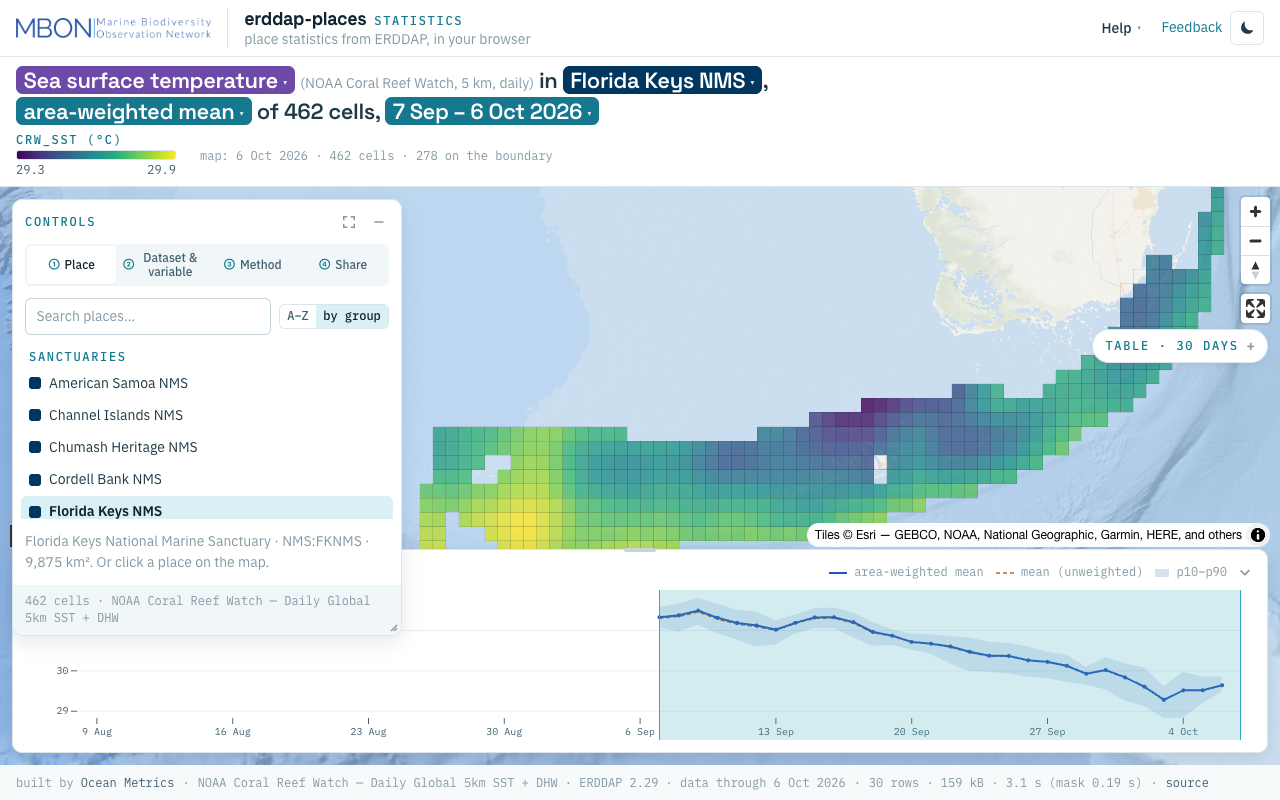
erddap-places
Place statistics from ERDDAP gridded and tabular data for sanctuaries and other marine places, computed in your browser, plus a Then vs Now lens for sanctuary sea surface temperature. The URL is the view.
Learn more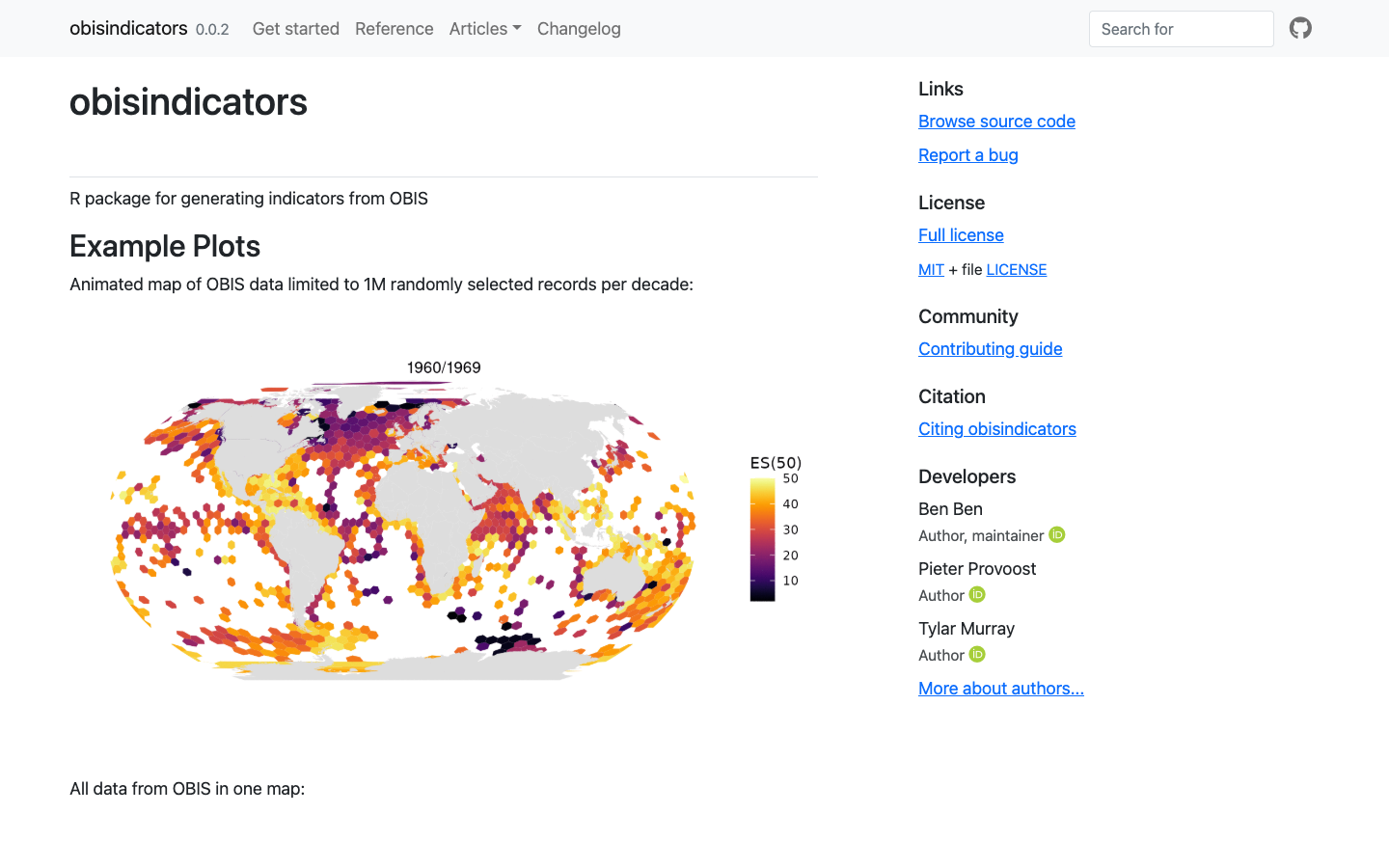
obisindicators
R package for generating biodiversity indicators — including ES(50) estimated species richness — from OBIS occurrence data.
Learn more
OBIS — Ocean Biodiversity Information System
The global open-access database for marine biodiversity — search, map, and download tens of millions of species occurrence records standardized to Darwin Core.
Learn moreIndicators
Synthesizing raw observations into Essential Biodiversity Variables and Essential Ocean Variables for policy-relevant reporting.
Learn moreplaces gazetteer
One STAC catalog of marine place layers (sanctuaries, MPAs, EEZs, leases, planning areas) as GeoParquet and PMTiles, with stable place ids, per-feature licence and H3 membership for joining hexagon data by place.
Learn more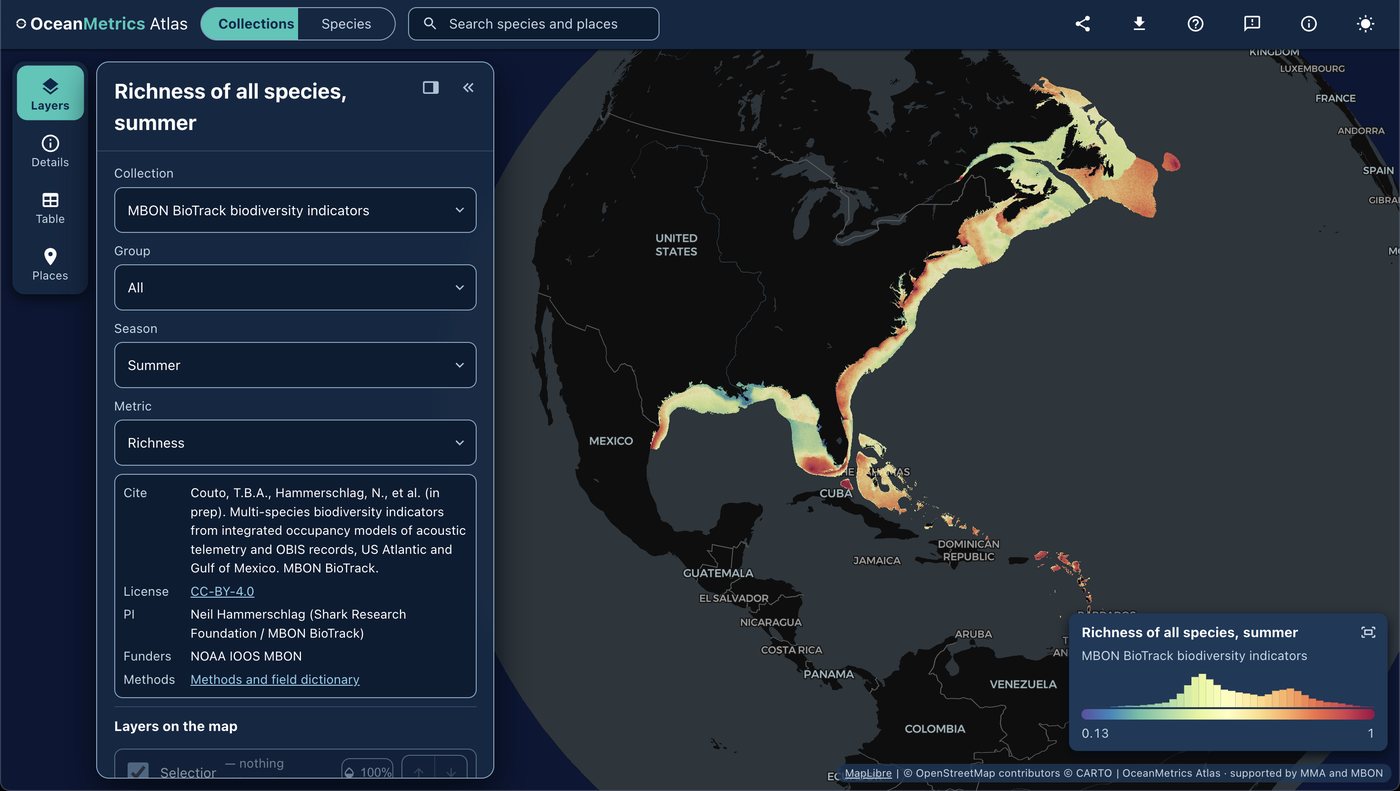
OceanMetrics Atlas
A browser map of species distribution and biodiversity model outputs, read from a STAC catalog. It opens on the AquaMaps EOV share and hosts the MBON BioTrack indicators (species richness and uncertainty from telemetry and OBIS).
Learn more